Checker.Free – Free Online Testing, Diagnostic and Utility Tools
Checker.Free is a collection of free testing, diagnostic, and utility tools designed to help users inspect different computer components and digital functions.
The platform brings multiple testing utilities together in one place, making it easier to find a suitable tool for checking hardware, displays, audio, input devices, networks, and other common functions.
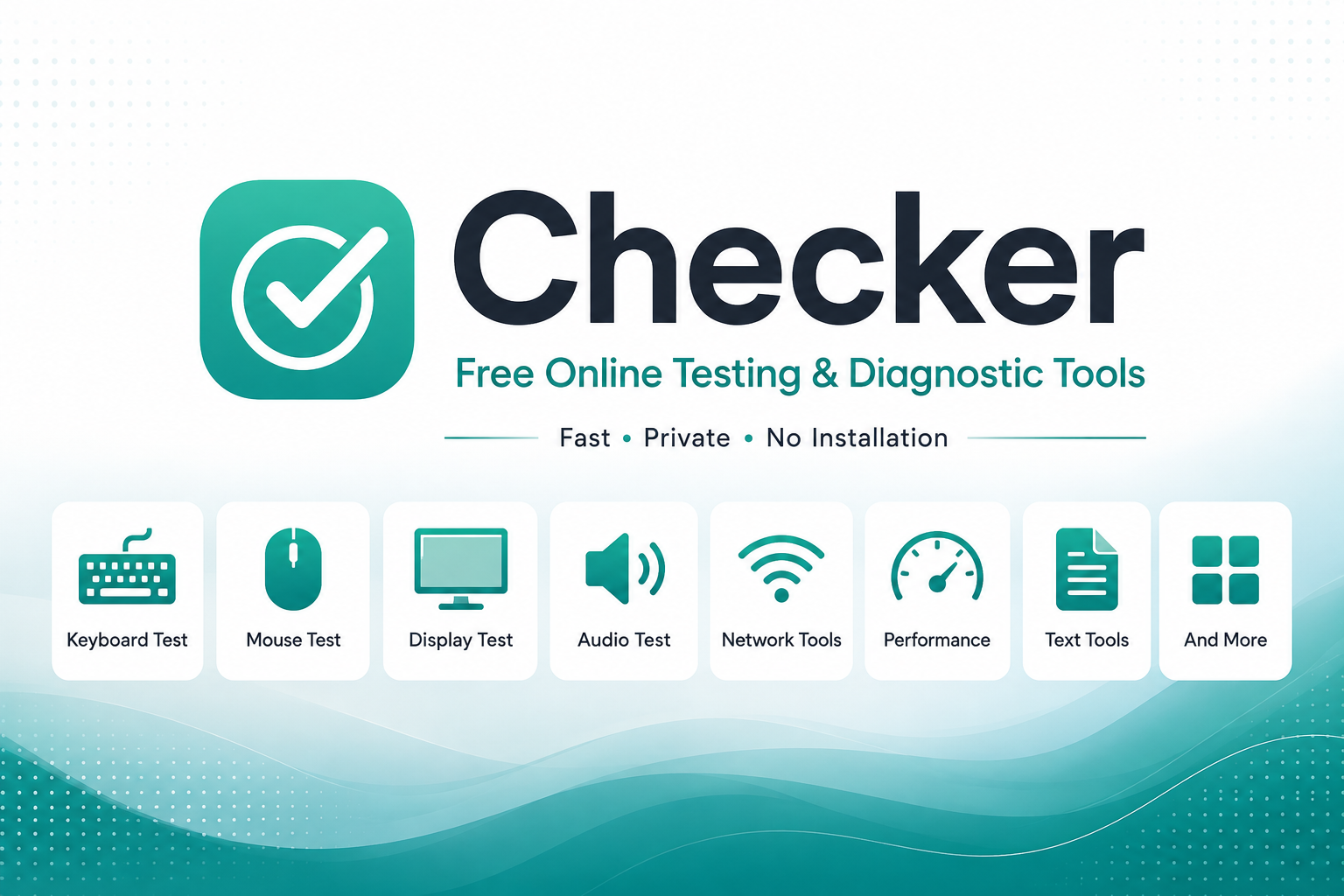
A Central Place for Testing and Diagnostics
When a computer or peripheral starts behaving unexpectedly, identifying the source of the problem can be the first challenge.
A keyboard may have a non-working key, a mouse may register an incorrect click, a display may show an unusual color or pixel, or an audio device may produce unexpected results. Dedicated testing tools can help isolate these issues and provide a clearer picture of what is happening.
Checker.Free brings these types of utilities together in a single directory.
The homepage currently contains 18 tools and provides dedicated categories for Utilities & Hardware and Display & Graphics, along with an All Tools view.
What Can You Test?
Checker.Free covers several areas of computer testing and diagnostics.
The platform includes tools related to:
Keyboard testing
Mouse and input testing
Display and graphics testing
Audio testing
Network analysis
Text and difference checking
Device and sensor testing
These areas are part of the testing and diagnostic functionality described for the platform.
Keyboard and Mouse Testing
Input devices are among the most frequently used computer components, which also makes them easy to notice when something is wrong.
A keyboard tester can be useful for checking whether individual keys are detected correctly, while a mouse tester can help investigate clicks and other input behavior.
This can be particularly useful after purchasing a new peripheral, troubleshooting an existing one, or checking a device before replacing it.
Display and Graphics Checks
Display-related problems can sometimes be difficult to identify without a dedicated testing utility.
Checker.Free includes a Display & Graphics category for tools related to screens and graphical output.
Display testing can be useful when investigating visual inconsistencies or verifying the behavior of a monitor.
Audio and Network Tools
Audio and network functionality are also important parts of everyday computer use.
A dedicated audio testing utility can help when investigating issues involving sound or connected audio hardware, while network-related tools can be useful when checking connectivity and other network conditions.
Checker.Free lists audio and network tools among the types of testing and analysis included in the platform.
Search and Filter Tools
Finding the right utility becomes increasingly important as a tool collection grows.
Checker.Free includes a search field that allows users to look for tools by name or feature. The homepage also provides category filters that can narrow the directory to a specific type of tool.
This makes the homepage both a starting point for testing and a directory for discovering different utilities.
Useful for Troubleshooting
Testing a component can be a useful step before deciding that hardware needs to be replaced.
For example, a user experiencing a keyboard problem may first want to check whether specific keys are being detected. Someone investigating a mouse issue may want to verify its input behavior. A display test can similarly help investigate unusual screen behavior.
The purpose of diagnostic tools is not necessarily to provide a complete hardware diagnosis, but to give users useful information that can help narrow down a problem.
Useful for Different Types of Users
Checker.Free can be useful in several situations, including:
Checking newly purchased computer peripherals
Troubleshooting hardware problems
Performing quick device checks
Verifying input devices
Investigating display-related issues
Checking audio or network functionality
Finding specialized testing utilities
The collection is intended to bring these different tasks together instead of requiring users to search separately for every type of test.
Light and Dark Interface
Checker.Free includes both light and dark interface themes, allowing visitors to choose between the available visual modes.
Region and Language
The homepage also includes a Region & Language section for localization settings.
The current interface lists English (EN) as the available language and provides controls for localization preferences.
Explore Checker.Free
Checker.Free is built around a simple idea: make useful testing and diagnostic tools easier to discover and use.
Whether you are checking an input device, investigating a display issue, looking into audio or network behavior, or searching for another testing utility, you can start with the Checker.Free tool directory.
You can also learn more about the website through the Privacy Policy, Terms, and Contact pages.
Comments
Post a Comment